
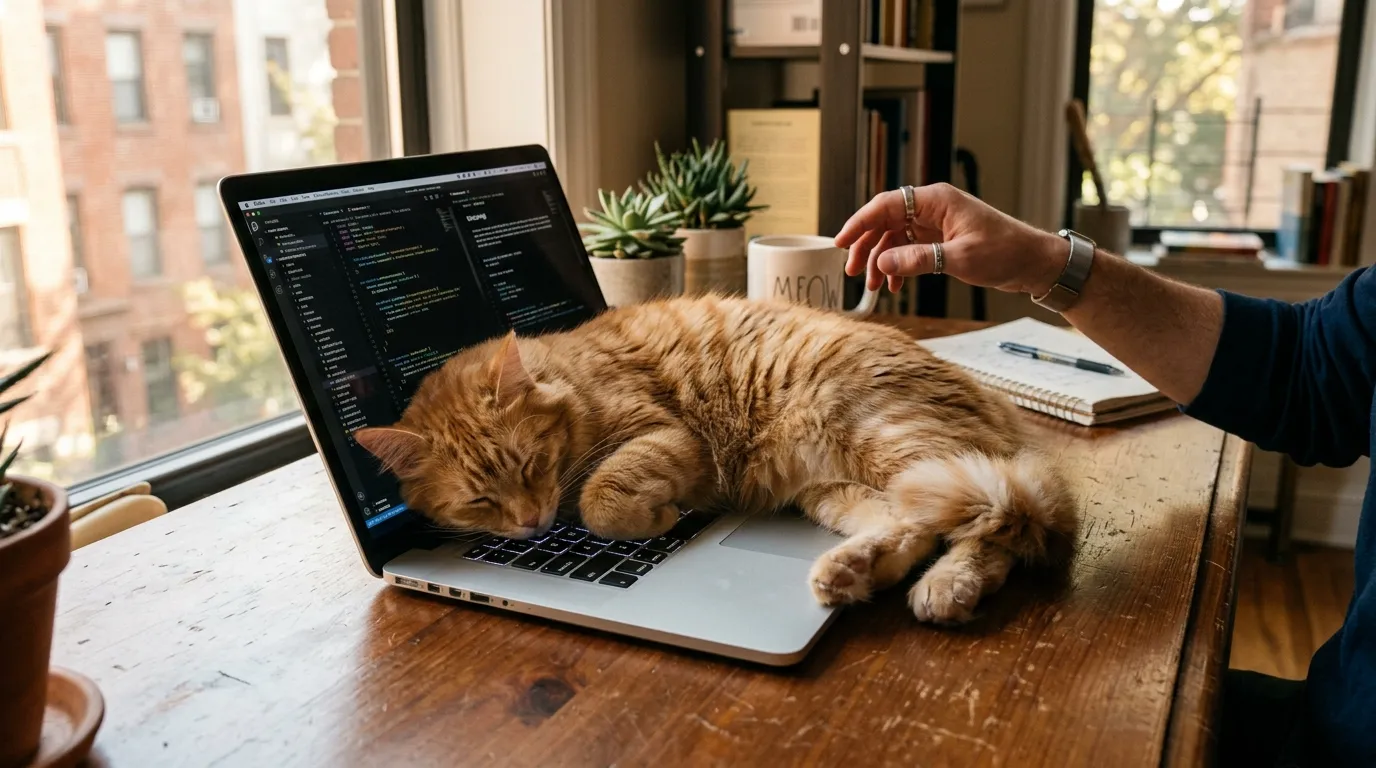
My cat memorized the exact sound of my laptop lid opening. I know this because she’d appear from two rooms away within thirty seconds, land directly on the keyboard before I’d typed a single word, and then look at me like I was the unreasonable one. Why does cat sit on my laptop comes down to five instinctual drivers that all point at the same rectangle: the warm, scent-marked, elevated surface sitting exactly where you’re looking. This article breaks down each one and gives you the changes that actually stop it, without making her feel fired from her job.
Quick Answer: Five Reasons Your Cat Sits on the Laptop
Your laptop is warm (the vent area runs 85 to 100°F, right in a cat’s thermoneutral comfort zone), it carries your scent heavily, it sits higher than most surfaces on your desk, it holds your full attention, and the moving fingers underneath trigger predatory interest. All five point at one spot the second you open the lid.
| Driver | Why It Happens | Quick Fix |
|---|---|---|
| Heat | Vents run 85 to 100°F, near a cat’s ideal body temperature | Add a warm bed nearby |
| Attention | Sitting on the keys reliably gets your reaction | Play for 5 to 10 minutes first |
| Scent | The laptop carries your scent from daily handling | Offer a worn t-shirt nearby |
| Height | Desk-level position gives a better vantage point than the floor | Add a shelf or perch at desk height |
| Social mirroring | She wants to join your focused activity | Set a box or perch beside the desk |
The Heat Source: Why Cats Sit on a Warm Laptop
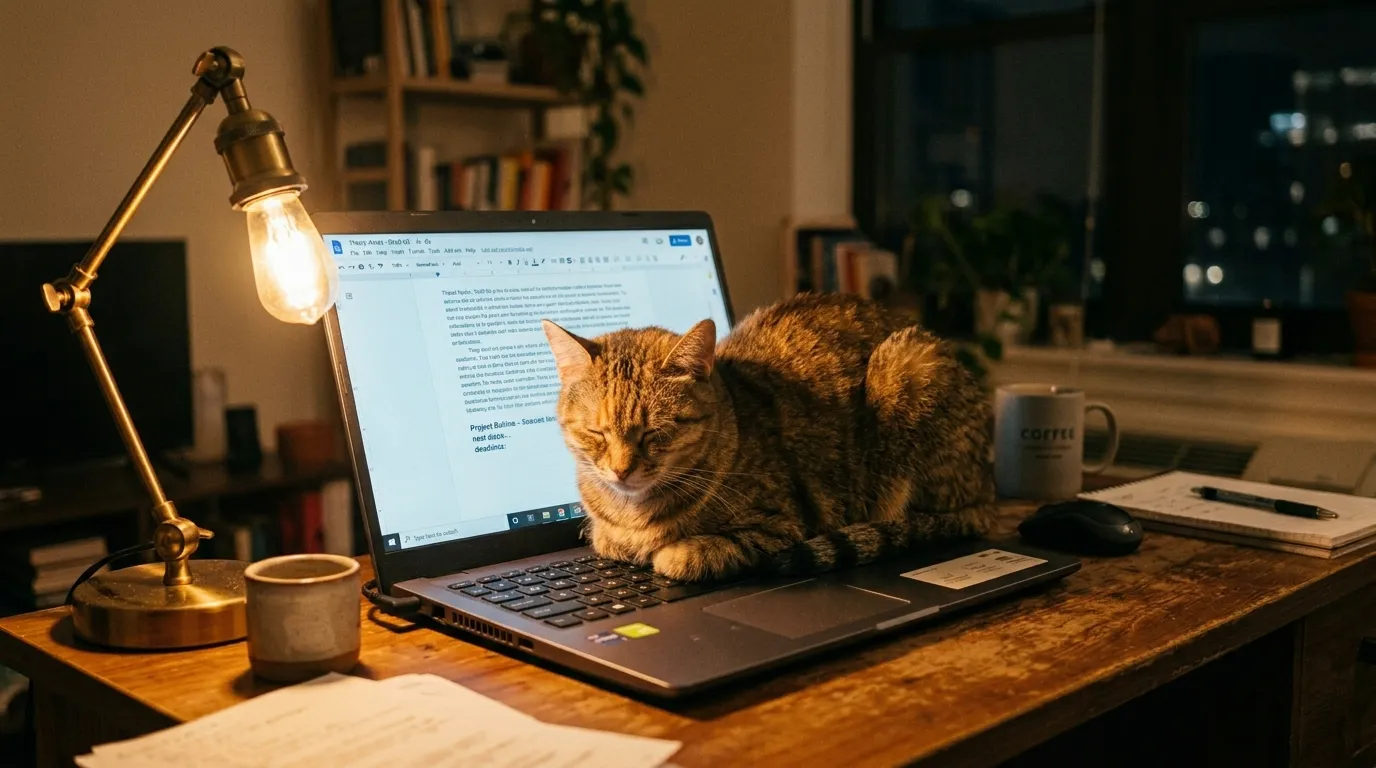
Cats hold a comfortable body temperature between 100 and 102°F, and they constantly hunt for external warmth to stay there without burning extra energy to do it. Most apartments sit well below that range, which makes your laptop one of the warmest flat surfaces in the room. The keyboard and the vent area above the processor run between 85 and 100°F under normal load, sitting right at the edge of what a cat finds genuinely comfortable.
This thermal drive is strong enough to override her awareness of your inconvenience almost entirely. She isn’t choosing the laptop over a warm bed out of spite. She’s choosing the best heat source available in the room at that moment, and the laptop usually wins on temperature alone. Run a video call or process a large file and the laptop gets even warmer, which explains why she shows up right as your deadline gets tightest.
Our pillar guide to indoor cat behavior covers this thermal drive alongside the rest of what shapes her daily habits, so you’re addressing the actual need instead of relocating a cat who’ll just walk back to the warmest spot in the apartment. Indoor cat care that accounts for her temperature preferences cuts the laptop competition down a lot once it includes a real warm alternative nearby.
Attention Capture: Your Cat Knows Exactly What She’s Doing
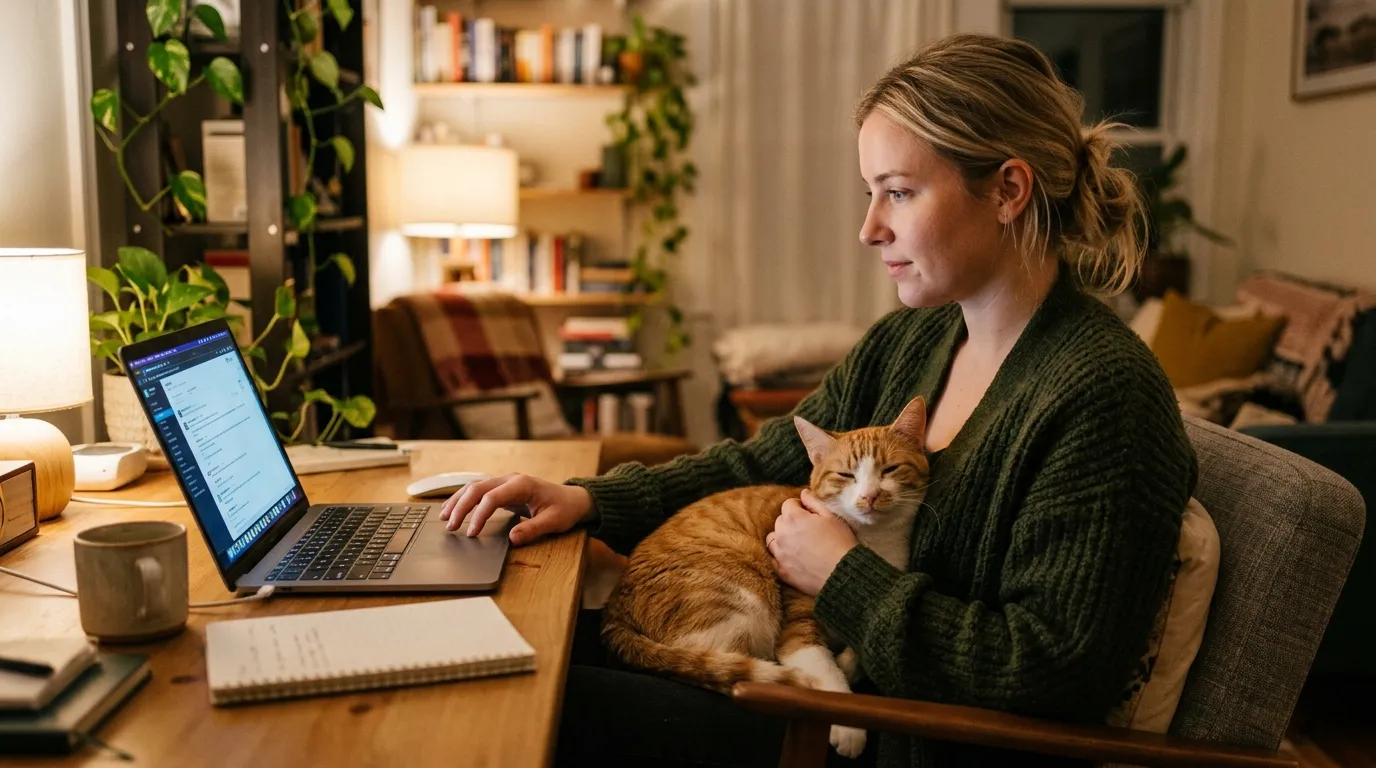
She’s learned, through direct experience, that the laptop redirects your attention away from her toward a screen, and that sitting on the keyboard reliably reverses it. The shooing, the gentle removal, the exasperated sigh, all of it counts as the attention she was after. From where she’s sitting, the plan works every single time.
Your fingers moving across the keys add a second layer to this. Finger movement at typing speed mimics the erratic motion of small prey and triggers the predatory attention system in any cat who hasn’t burned that drive off through play before your work session starts. A five to ten minute wand toy session before you open the laptop uses up enough of that energy that the keyboard stops looking interesting.
The most common mistake is responding at all. Getting up, talking to her, gently placing her elsewhere while maintaining eye contact, these all reward the behavior. She leaves your lap for a minute, notes that it worked, and comes back within five. Consistent non-engagement is the only response that actually wears down the attention-seeking part of this over time.
The Keyboard Itself: Why the Texture Matters
Heat and attention explain most of it, but the keyboard’s physical feel plays a smaller role that’s easy to miss. Keys give slightly under a paw, similar to the resistance a scratching post or a soft toy offers, and that tactile feedback is mildly satisfying on its own. It’s not the main driver behind sitting on your laptop, but it’s part of why some cats specifically paw at or walk across the keys rather than just settling on the closed lid or the desk beside it.
Scent Territory: Your Laptop Smells Like the Most Important Thing in the Apartment
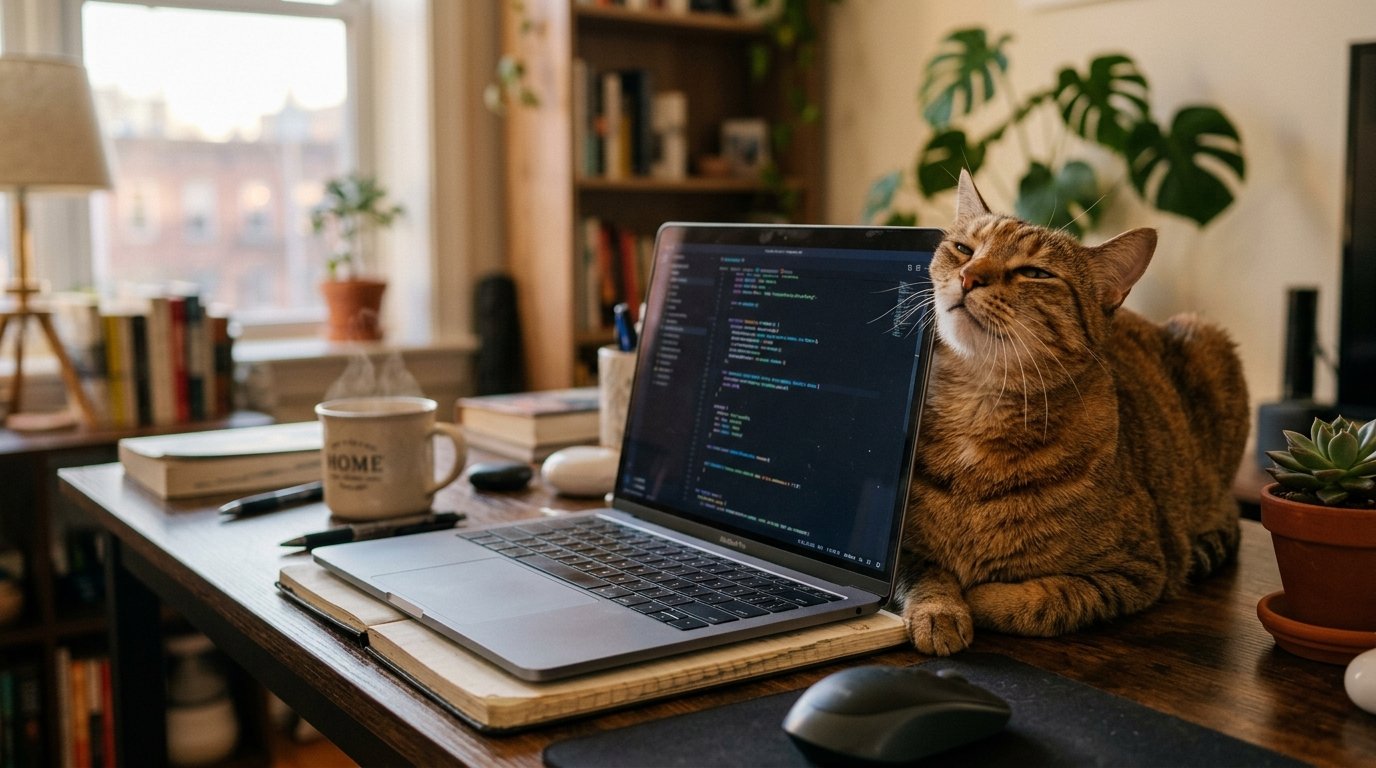
Your laptop is one of the most heavily scent-marked objects in your home, from her point of view, because you touch it for hours every day. Hand oils, your breath near the screen, and the warmth that keeps those scent molecules active all make it smell strongly of you specifically. To her, that puts the laptop in the high-importance, owner-associated category of territory that needs regular maintenance through pheromone deposits.
When she sits on it, she’s applying pheromones from her paw pads and body weight to an object that smells like the center of her world. It’s the same chemistry behind bunting on your face or kneading your clothing. The laptop isn’t an obstacle she’s picking over you. It’s a scent territory tied to you, and she’s maintaining it as part of her routine.
Alternative scent management outlets through the right cat furniture, placed near your workspace, give her surfaces to mark that don’t compete with your keyboard. A worn t-shirt or small blanket on a shelf beside your desk often satisfies this completely, since it’s an owner-scented object she can maintain without touching your actual work surface.
Height and the Vantage Point Instinct
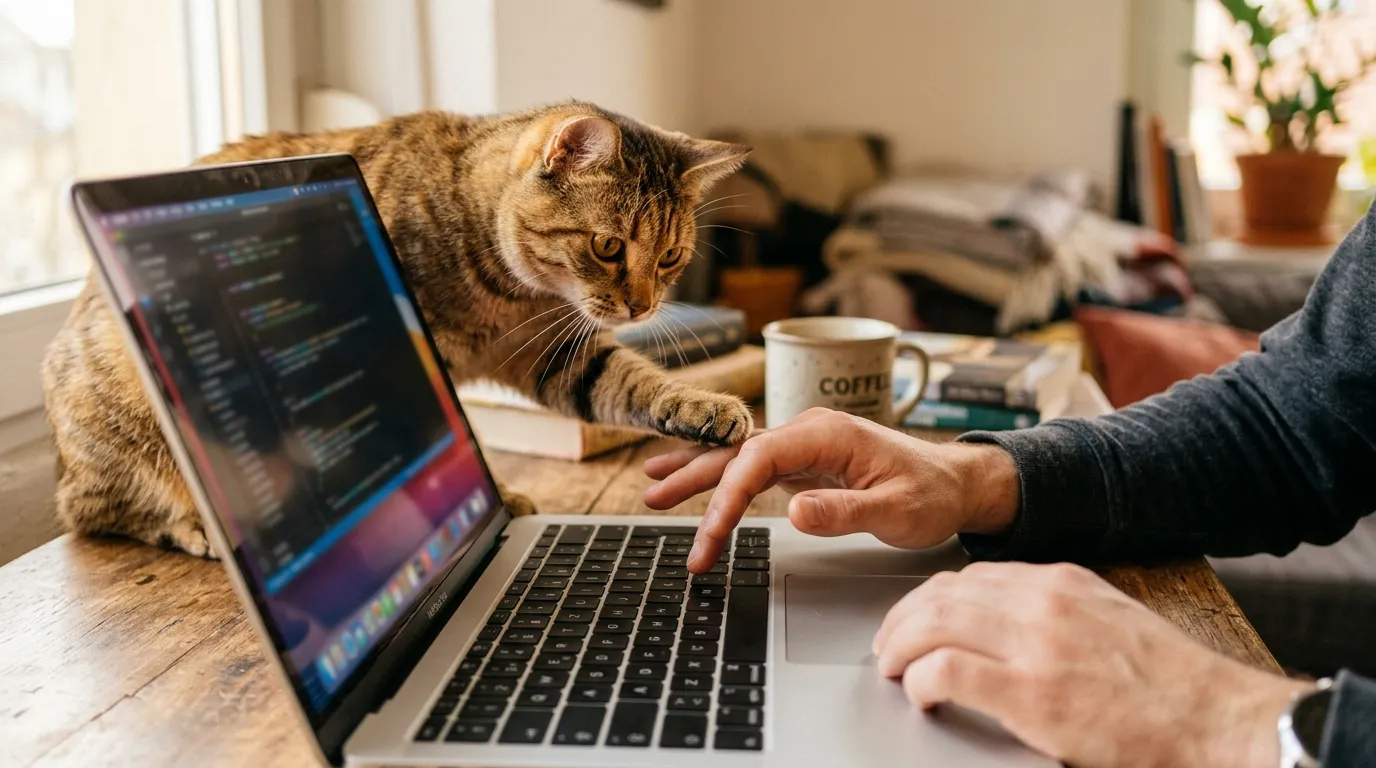
Cats default to the highest available point in a room when they have a choice, since elevation gives a wider view of the space and a stronger sense of control over it. A desk already beats the floor on this. A laptop sitting on that desk beats the bare desktop, since it adds a few extra inches and a slightly angled surface that puts her closer to your eye level while she surveys the room.
This driver is smaller than heat or attention on its own, but it stacks with them. A cold, closed laptop still offers the height. It’s just not competing with anything else at that point, which is one reason she’s far more likely to climb up when the lid is open and the fans are running than when it’s shut in a bag.
Social Mirroring: Your Cat Wants to Be Part of What You’re Doing
Domestic cats engage in something behaviorists call parallel activity, positioning themselves near their social group and mirroring what that group is doing as a form of participation. When you sit at a desk staring at a screen, she reads that as a sustained activity her group leader is engaged in. Sitting on the laptop puts her at the center of it instead of beside it.
She doesn’t do this with random objects. Cats mirror activity specifically around the people they’re bonded with, and she shows up for the laptop rather than a book or a magazine because of the heat, the finger movement, and the concentrated attention you’re giving the screen. Together, those signals mark the laptop as a high-value activity worth joining.
Enrichment that mimics parallel activity near your workspace, a cat tree beside the desk, or a window perch at desk height, gives her a spot to join the moment without landing on your keys. Setting up apartment space to include a dedicated observation post near your work area meets this need at the most convenient spot for both of you.
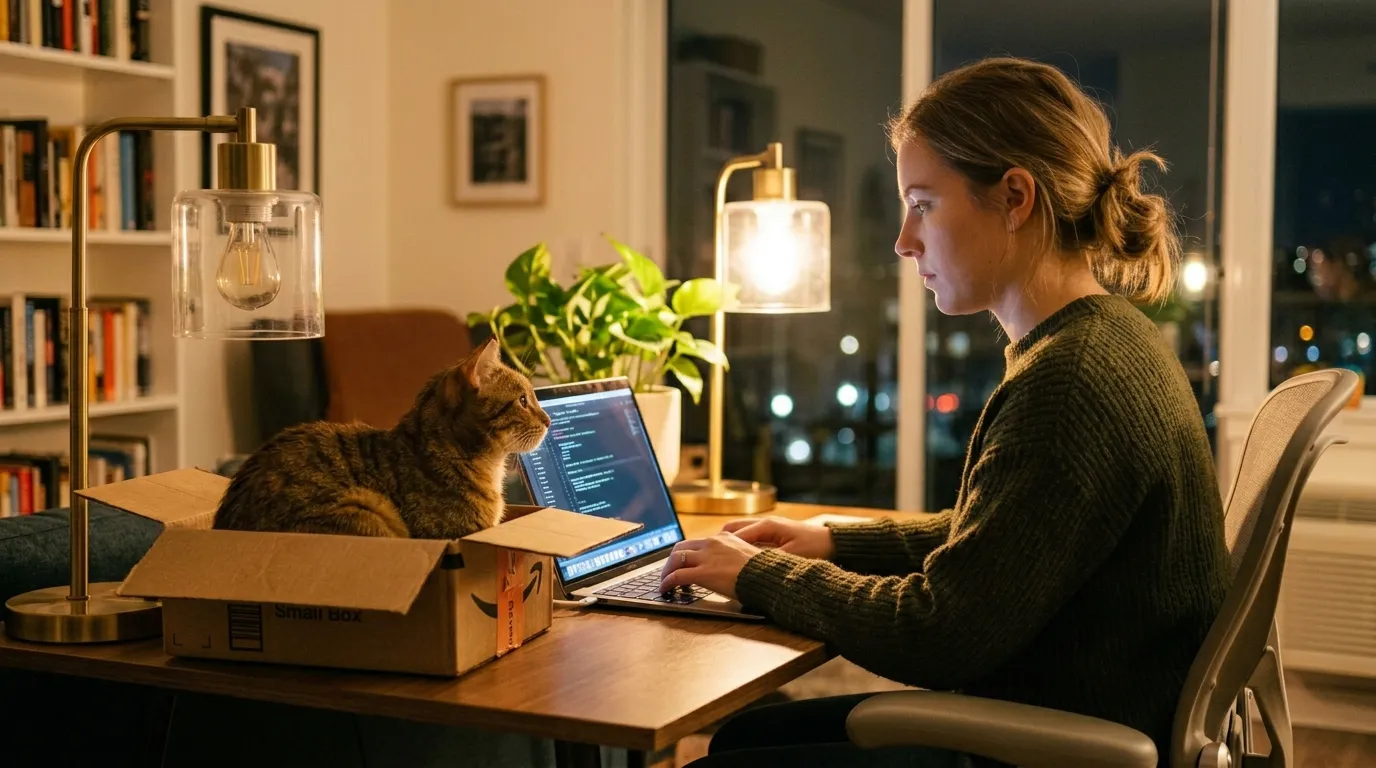
From experience: the single most effective fix is a cardboard box placed on the desk beside your laptop before you sit down. Not a fancy cat bed. A box. Cats will pick an open box on a desk over almost anything else, since it combines the height, the contained space, and the closeness to you the laptop also offers, minus the keyboard.
Do Decoy Laptops Actually Work?
Some cat owners try a second, unplugged laptop or a dummy laptop toy with a built-in scratch pad, hoping to redirect the behavior entirely. Results are genuinely mixed. A cold decoy has none of your scent, none of the heat, and none of the attention payoff, so most cats give it a brief look and then walk straight past it to the real thing. If you already own an old laptop that still warms up when it’s plugged in, leaving that one open nearby has a better shot than a plastic toy version, since it at least keeps the heat driver in play. Either way, it’s a weaker fix than the box trick above, and I wouldn’t buy one expecting a full solution.
Protecting Your Laptop From Cat Damage
While you work on the behavior side, it’s worth protecting the hardware in the meantime. Cat hair pulls into cooling vents and builds up over weeks, which traps heat and can push a laptop into overheating under normal use. Heavier cats landing directly on the screen hinge or a specific key can crack an LCD panel or pop a keycap loose, and neither is a cheap fix.
- Keyboard cover: a thin silicone cover blocks hair and fur oils from working into the keys without affecting typing feel much.
- Elevated laptop stand: raises the laptop off the desk surface, which also reduces how flat and inviting it looks as a resting spot.
- Monthly vent check: a few seconds of compressed air on the vents once a month, more often for heavy shedders, prevents the buildup that causes overheating.
- Close the lid when you step away: a closed, cooling laptop is a far less attractive spot than an open, warm one, so this alone cuts a lot of unsupervised sitting time.
When Laptop Sitting Signals a Health Check
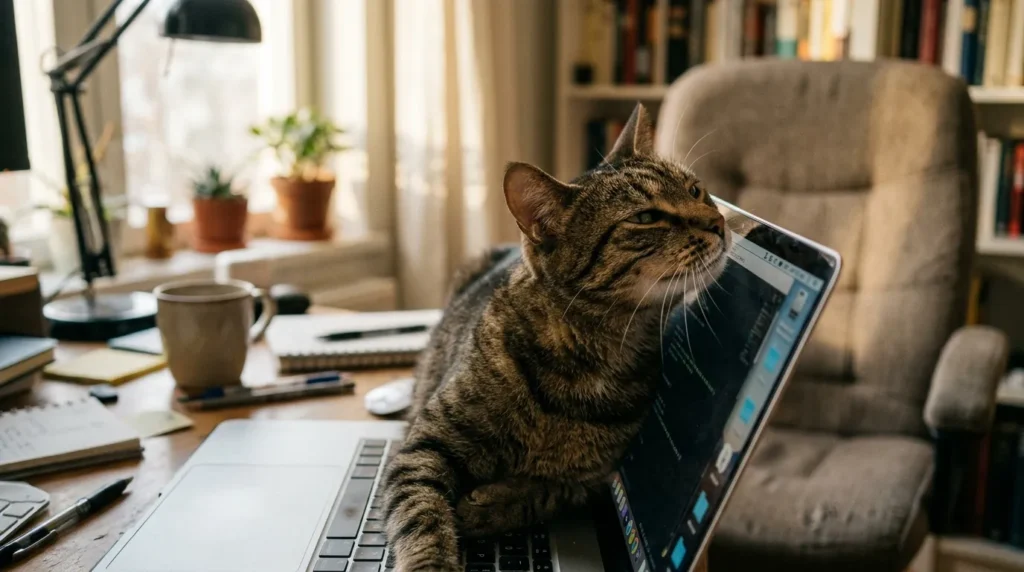
A sudden jump in heat-seeking behavior in a cat over age eight is worth watching. Arthritis, early kidney disease, and hyperthyroidism all show up with more heat-seeking as a symptom, since warmth genuinely eases joint pain and metabolic discomfort. If she’s always shown mild interest in the laptop and suddenly won’t leave it, rule out a physical cause before assuming the habit just got worse on its own.
The difference between behavioral sitting and medically driven heat-seeking usually shows up in posture and intensity. A cat sitting for attention or territory shifts around, bats at your hands, checks in with eye contact. A cat sitting for pain relief settles in deep, resists being moved, and comes back with unusual persistence. Meowing repeatedly while on the laptop, rather than just sitting quietly, is also worth mentioning to your vet, since persistent vocalizing paired with a change in routine can point to anxiety rather than simple comfort-seeking.
This article is for informational purposes only. Always consult your vet if you have concerns about your cat’s health.
The Mistake That Makes Laptop Sitting a Daily Habit
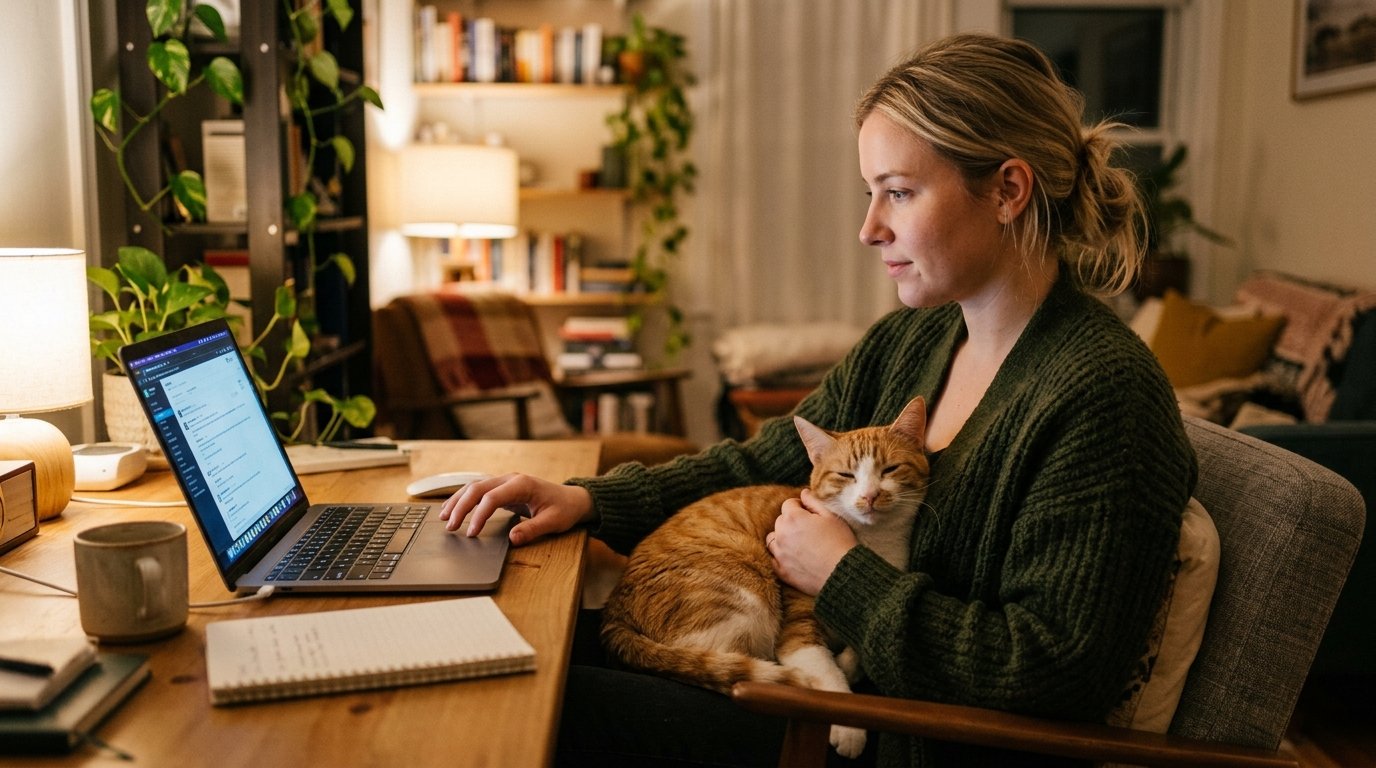
The mistake that cements this into a daily habit is the sympathetic removal. You lift her off the keyboard, carry her to a comfortable nearby spot, settle her in, and get back to work. It feels kind. To her, it’s a full reward sequence: physical contact, movement, your undivided attention during the carry, and a comfortable landing spot, all triggered by sitting on the laptop. You’ve just built the best reward loop available in the apartment.
A firmer redirect works better. Stand up without looking at her, step away from the desk for a moment, and come back only once she’s relocated on her own. No carrying, no settling in, no eye contact. That removes all four reward pieces at once. It feels a little unkind at first, but it produces real results within two to three weeks of consistency, since the behavior stops generating any interesting response at all.
A few other habits lower how often she lands on your keyboard in the first place:
- A consistent feeding routine cuts hunger-driven attention seeking in the late afternoon.
- Regular grooming sessions give structured physical contact that reduces what she’s trying to get from the laptop in the first place.
- Monitoring her overall health catches physical drivers that behavior fixes alone can’t touch.
- Keeping the litter box clean and accessible reduces background stress that amplifies attention-seeking generally.
Frequently Asked Questions About Cats Sitting on Laptops
Can my cat actually damage my laptop by sitting on it?
Yes. Cat hair clogs cooling vents, causing overheating over time. Heavy cats can crack LCD panels or pop individual keys. A keyboard cover and elevated laptop stand protect the hardware while you work on the behavior.
Why does my cat sit on my laptop only when I am using it and not when it’s closed?
Because the open laptop stacks several drivers at once: heat from the running processor, your scent activated by warmth, your attention on the screen, extra height, and your fingers moving. A closed, cold laptop offers none of that.
Does the box trick actually work to stop my cat sitting on my laptop?
Yes, for most cats, within a few days. Set a cardboard box on the desk beside the laptop before you sit down. It covers the heat proximity, elevated position, and closeness to you that make the laptop attractive in the first place.
Why does my cat walk across the keyboard instead of just sitting on it?
It’s usually attention-seeking combined with a navigational shortcut, since the shortest path across your desk often runs right through the keys. She’s also learned that walking across them gets an immediate reaction.
My cat only sits on my laptop during video calls. Is that intentional?
Not intentionally, but functionally, yes. Video calls give her your most focused, sustained attention with the least hand movement, which makes the laptop the strongest competition for your attention in the house at that exact moment.
Can sitting on a warm laptop overheat or burn my cat?
Prolonged direct contact with the hottest vent area can feel uncomfortably warm against bare skin, though fur offers some protection. Move her off if the laptop’s running hot under heavy load for a long stretch.
How do I stop my cat from sitting on my laptop for good?
Run a short play session before you sit down, put a box or warm bed beside the laptop, and stop picking her up or talking to her when she lands on the keys. Give it two to three weeks of consistency.
Are decoy or dummy cat laptops worth buying?
Results are mixed. Some cats show brief curiosity in a fake laptop and ignore it after that, since it’s missing the heat, scent, and attention that make the real one worth the trip. A warm box near your actual desk tends to outperform a decoy shaped like a laptop.
How often should I clean cat hair out of my laptop vents?
Check monthly if she sits on it regularly, more often for heavy shedders. A quick pass of compressed air on the vents and a lint-free cloth on the keyboard keeps buildup from turning into an overheating problem.
Key Takeaways
- Cats sit on laptops for heat, since the vents run 85 to 100°F, close to their ideal body temperature.
- Sitting on the keyboard reliably gets your attention, so any reaction at all rewards the habit.
- The laptop carries your scent heavily, making it a territory worth maintaining in her mind.
- Extra height off the desk adds a vantage point the floor doesn’t offer.
- She’s mirroring your focused activity as a form of bonding, not defiance.
- A 5 to 10 minute play session, a box beside the laptop, and consistent non-engagement resolve most cases within two to three weeks.
This guide sits under our Indoor Cat Behavior pillar, alongside our sub-pillar guides on daily indoor cat care, enrichment, and apartment living with a cat. Together they cover the day-to-day behavior questions that come up once you share small square footage with an opinionated animal.

Written by Mishu
A passionate cat lover and indoor living enthusiast, Mishu is the founder and voice behind Indoor Living Cat – a go-to resource for cat owners who want to create the happiest, healthiest life for their feline companions indoors.
View Full Profile